
Trending and Analysis
Overview
A data trending dashboard lets you chart sample and test data, instrument data, and off-spec results, and trend them along any grouping. It is an example of a dashboard an account can have configured. Open it from Dashboards.
The tab names below are examples. Your account may use different names or a subset of these views.
| Example tab | What it trends |
|---|---|
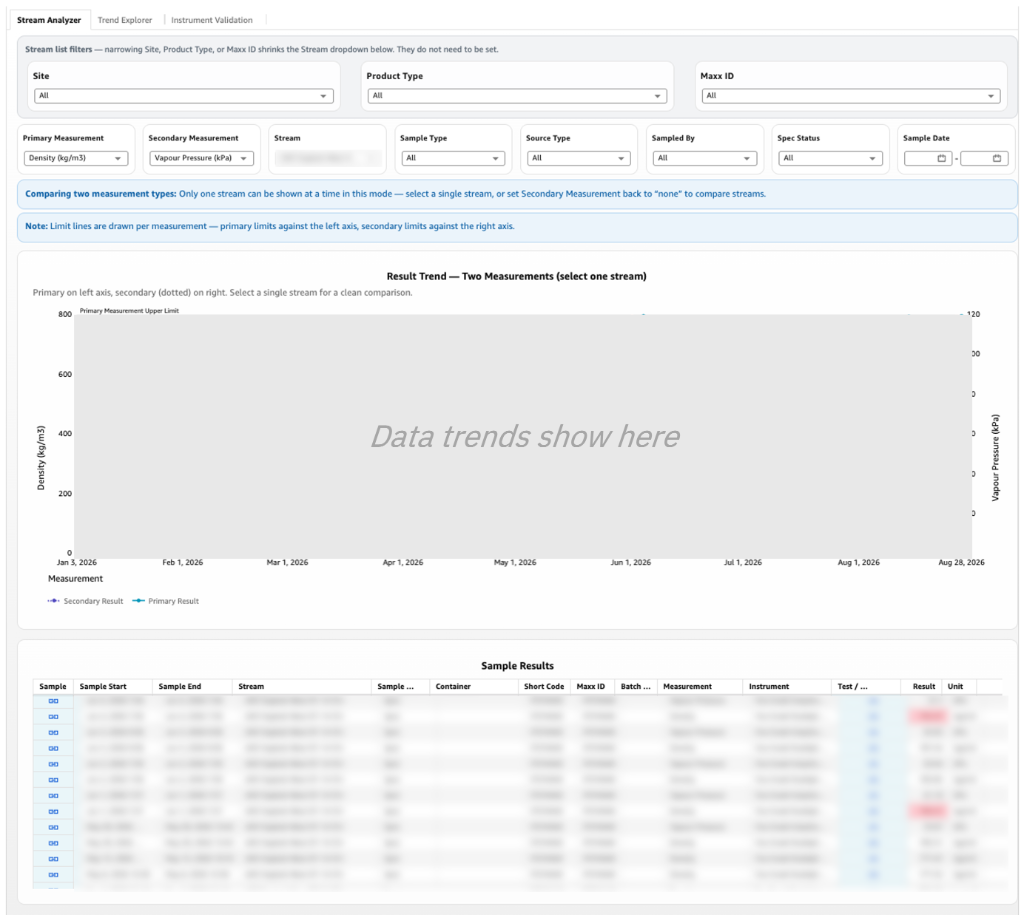
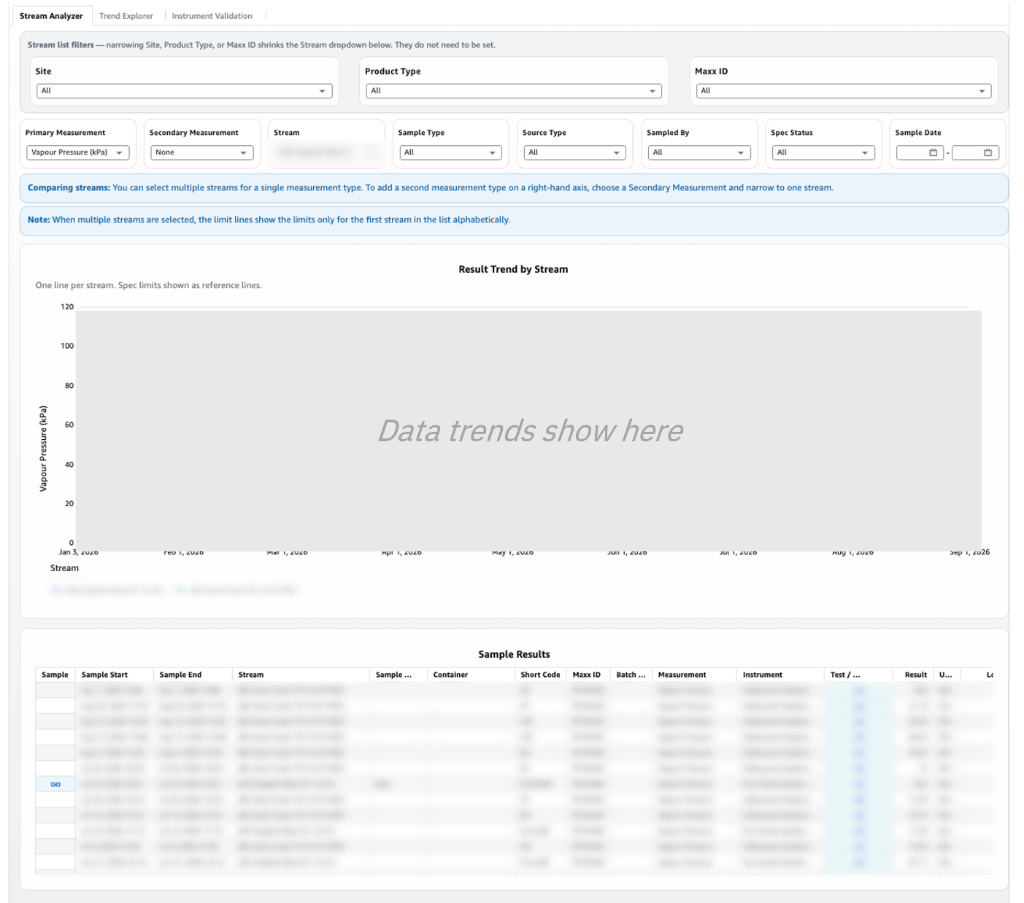
| Stream Analyzer | Up to 2 measurement types on one stream, or 1 measurement type across several streams. |
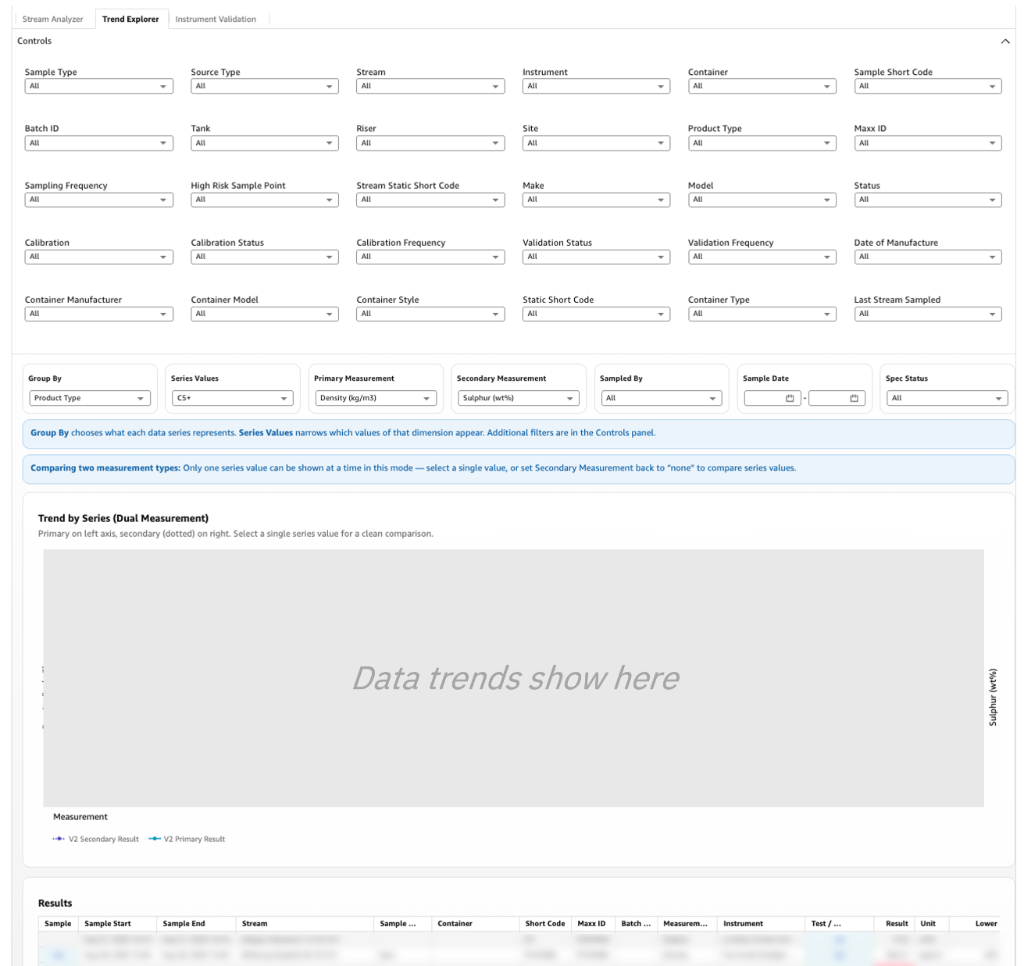
| Trend Explorer | Like Stream Analyzer, but each dataset can be any grouping (for example product type, sampling frequency, stream, container, or sampled by). Up to 2 measurement types for one value, or 1 measurement type across several values. |
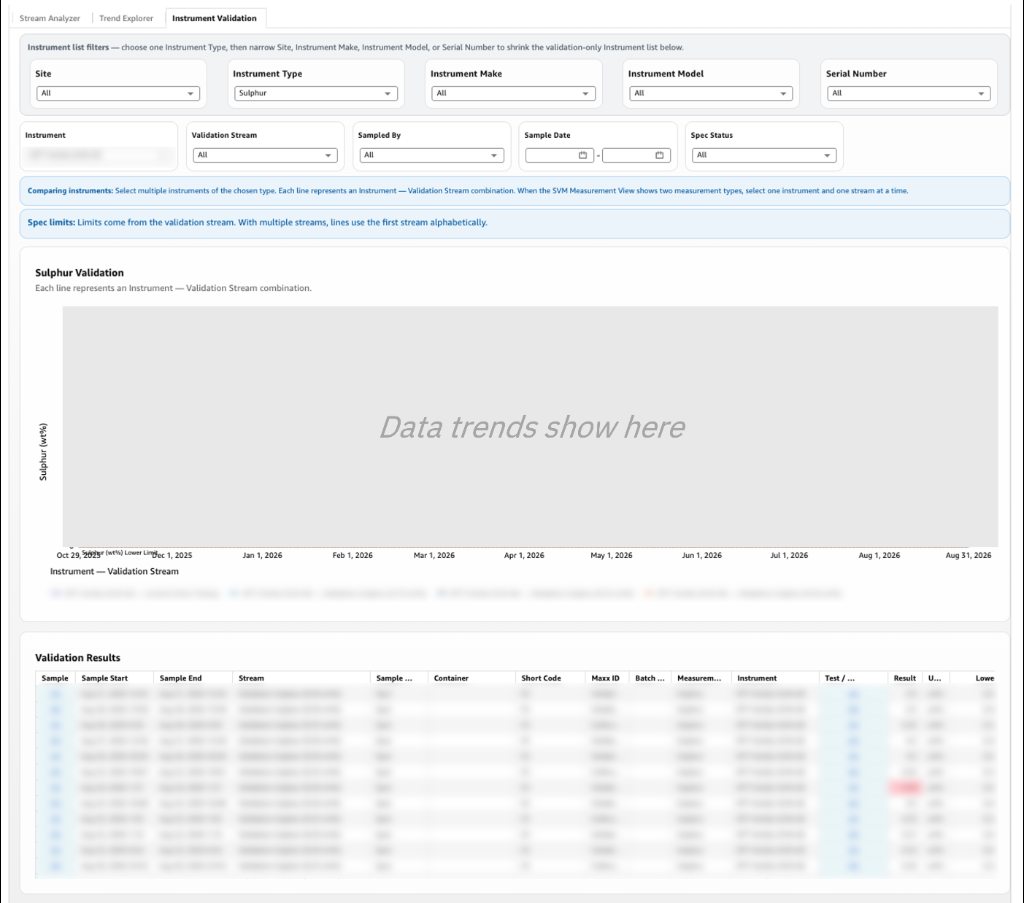
| Instrument Validation | Validation data for a specific instrument, using only validation streams. |
Stream Analyzer
Use this tab to trend results stream by stream.
- To trend two measurement types on one stream, select the stream and up to two measurement types.
- To compare streams, select one measurement type and several streams.
- To see only problem results, filter the spec status to off spec.
The grey filters at the top narrow down the stream list. The white filters in the second row control which data appears in the graph (for example sample type, source type, sampled by, spec status, and sample date). The table at the bottom lists every sample shown in the graph.
Trend Explorer
Use this tab when you want to group data by something other than stream.
- Choose the grouping (for example product type or sampling frequency).
- Select one value and up to two measurement types, or one measurement type and several values.
- Use the filter panel to narrow the data to exactly the view you need.
Instrument Validation
Use this tab to check validation results on an instrument over time.
- Select an instrument type.
- Select the instrument.
- Select one or more validation streams used by that instrument.
For validation settings and statuses on instruments, see Instrument Calibration and Validation.